
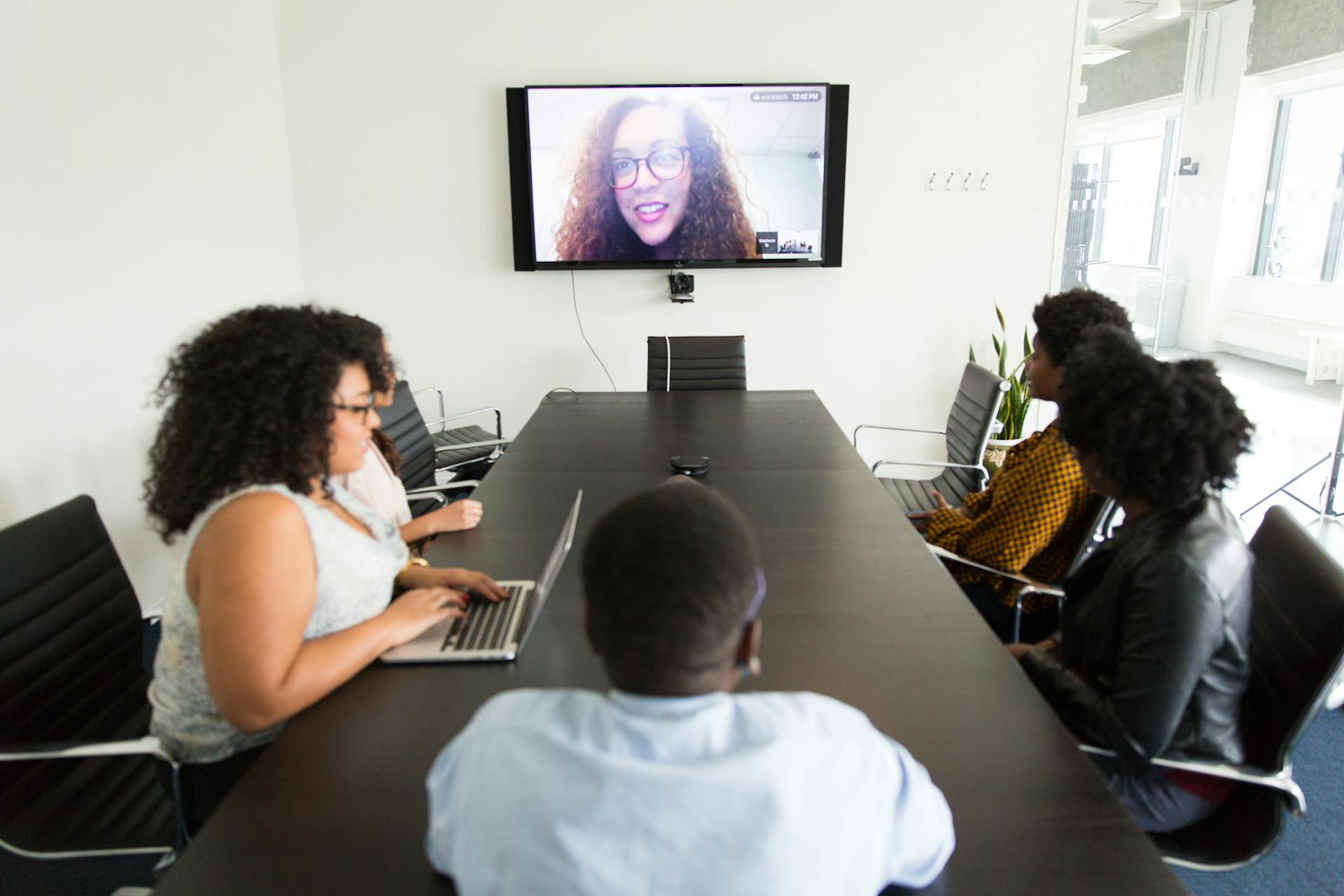
The way we handle legal disputes has changed significantly over the last few years. Many attorneys and clients now prefer to resolve their cases without setting foot inside a physical conference room. If you are preparing for a Zoom mediation in Colorado, you might wonder how the process actually functions compared to traditional in-person meetings.
Virtual sessions offer a high level of flexibility for everyone involved. They allow parties to negotiate complex issues from different cities, states, and countries. However, the core principles of dispute resolution remain exactly the same whether you mediate in person or virtually. In this article, I’ll explain how remote mediation works, how to ensure that a remote session runs smoothly, and why remote sessions are preferred by so many.
The Mechanics Of A Virtual Session
A common concern about remote mediation is whether the parties will be in the same virtual room during the session. In a physical office setting, you will generally be in different rooms in the same building. On a video platform, we use digital breakout rooms to recreate this separation.
As the neutral mediator, I control the virtual space. I place each party and their attorney, if they have one, into their own private breakout room. You will only see and hear the people in your room. The main meeting area remains empty while negotiations happen in these breakout rooms. With this setup you can still speak freely, knowing that the other side cannot hear your conversation.
Preparing Your Technology And Space
It goes without saying that you need a stable internet connection and a quiet place to participate in the mediation, but many people underestimate how easily interruptions can break the focus of negotiations.
You want your full attention focused on the legal issues at hand. You should attend the meditation from a location where you have privacy and no one else will be present. Keep in mind that background noise is distracting and can make it difficult to hear and process important details about potential settlement agreements. Appearing from a private location ensures that you will be able to be fully focused on the mediation. Additionally, because mediations are confidential, I will always stop a mediation when family, friends, co-workers, or children enter the room.
If possible, do not schedule any other meetings or plan to work on the day of the mediation. If you have school-aged children, make arrangements for someone else to pick them up after school. Mediation sessions often go longer than scheduled when the parties are making progress and want to continue negotiating.
Handling Exhibits And Evidence Digitally
Legal disputes often involve large amounts of paperwork. You might have financial records, contracts, or photographs that support your position. You should provide all relevant documents to the mediator prior to the scheduled mediation session. Providing these documents in advance allows the mediator to be prepared. Most mediators include instructions on how to provide documents to them in their Mediation Agreement.
Attorneys will typically exchange disclosures in the form of exhibits before the mediation date. This gives each side time to review the materials thoroughly.
I often share documents on my screen so that we can review the document together. We can highlight specific paragraphs or review the exact wording of a contract. This visual aid helps clarify misunderstandings quickly, allowing everyone to get a clear view of what is being referenced and where changes need to be made.
Scheduling Flexibility Across Different Locations
Coordinating a date for multiple attorneys, clients, and a mediator to meet in one location is often difficult. Remote mediation removes the travel time entirely and no one has to drive to a central office. Remote mediation also saves you money because you do not have to pay your attorney to drive to the mediation session. Out-of-state participants, including insurance adjusters, can also participate easily.
Removing the commute often makes it easier to find an available date on everyone's calendar. You can secure a mediation date weeks or even months sooner than if you are requesting an in-person meeting.
Looking to book a mediation? Schedule a session here.
Common Technical Issues To Avoid
Technology makes remote mediation possible, but it can also cause frustrating delays. Preparing your equipment ahead of time keeps the day focused on your legal dispute rather than IT troubleshooting.
There are a few common issues that participants should address before logging into the session:
- Update your video conferencing software to the latest version to ensure all breakout room features function correctly.
- Make sure you are logged in on the right account, and that your username displayed is professional and appropriate for the mediation.
- Plug your laptop or tablet directly into a power source so your battery does not die during a critical negotiation phase. (This happens more than you would think!)
- Position yourself facing a window or a light source so your face is clearly visible to the mediator and your attorney.
Taking ten minutes the day before your session to check these items saves everyone involved a lot of time. We can start the mediation promptly and move straight into the substantive issues of your case.
Who Benefits Most From Virtual Formats
Almost any civil or domestic dispute can be mediated effectively over video. Certain situations make this format especially beneficial. High-conflict cases often proceed much more smoothly when the parties are not in the same physical building.
Business disputes involving multiple corporate officers also benefit from the virtual format. Executives can remain at their desks and handle other tasks during the time when I am speaking with the opposing side. This ensures that they do not lose an entire day (or longer) by sitting in a conference room.
Participants with mobility issues or health concerns also find remote sessions much more accessible. They can participate fully in the legal process without the physical strain of traveling to an office building. The virtual format opens the door to resolution for people who might otherwise have barriers to in-person attendance.
The Psychological Impact Of Remote Negotiation
Being involved in a legal dispute causes significant stress. Sitting across the table from an opposing party often heightens that tension. It can make people defensive and less willing to compromise.
Participating from your own home or your attorney's office can reduce this anxiety. You are in a familiar environment. You have access to your own food, comfortable seating, and a private space to decompress during breaks. Taking a walk around your own neighborhood during a lull in negotiations can provide a fresh perspective.
When people feel physically comfortable, they often make clearer decisions. They can evaluate the risks of going to trial with a calmer mindset.
Schedule Your Mediation with Judge Rayna Gokli (Ret.)
Understanding what a sitting judge may consider in evaluating your case is incredibly valuable during negotiations. As a former judge, I conduct virtual (and in-person) mediation sessions that bring the structure and legal insight of the courtroom directly to your computer screen.
I offer mediation, arbitration, and private judging services for parties seeking to resolve their disputes efficiently. Book your upcoming session here.
*This blog is for general informational purposes only and is not legal advice.